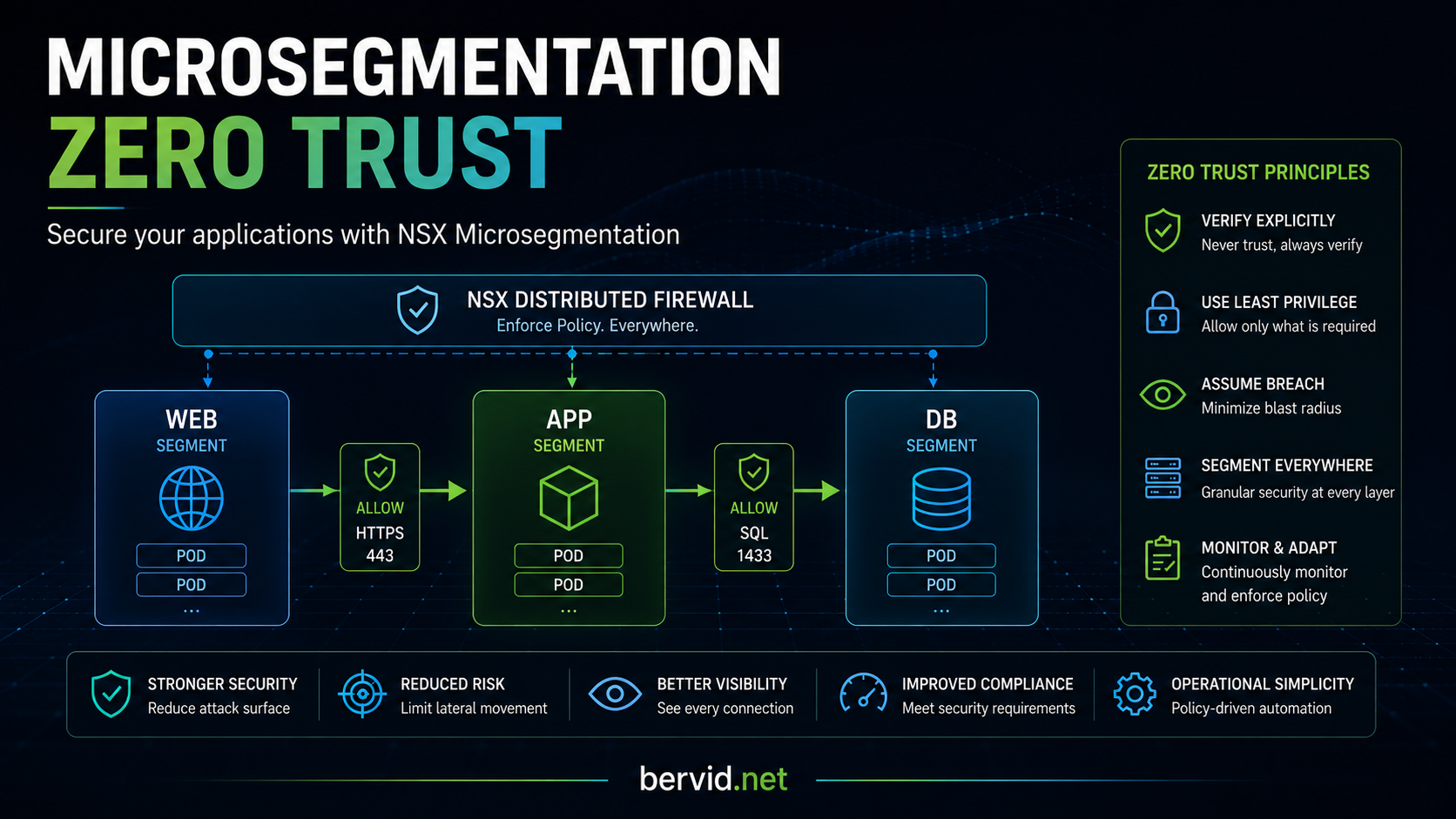
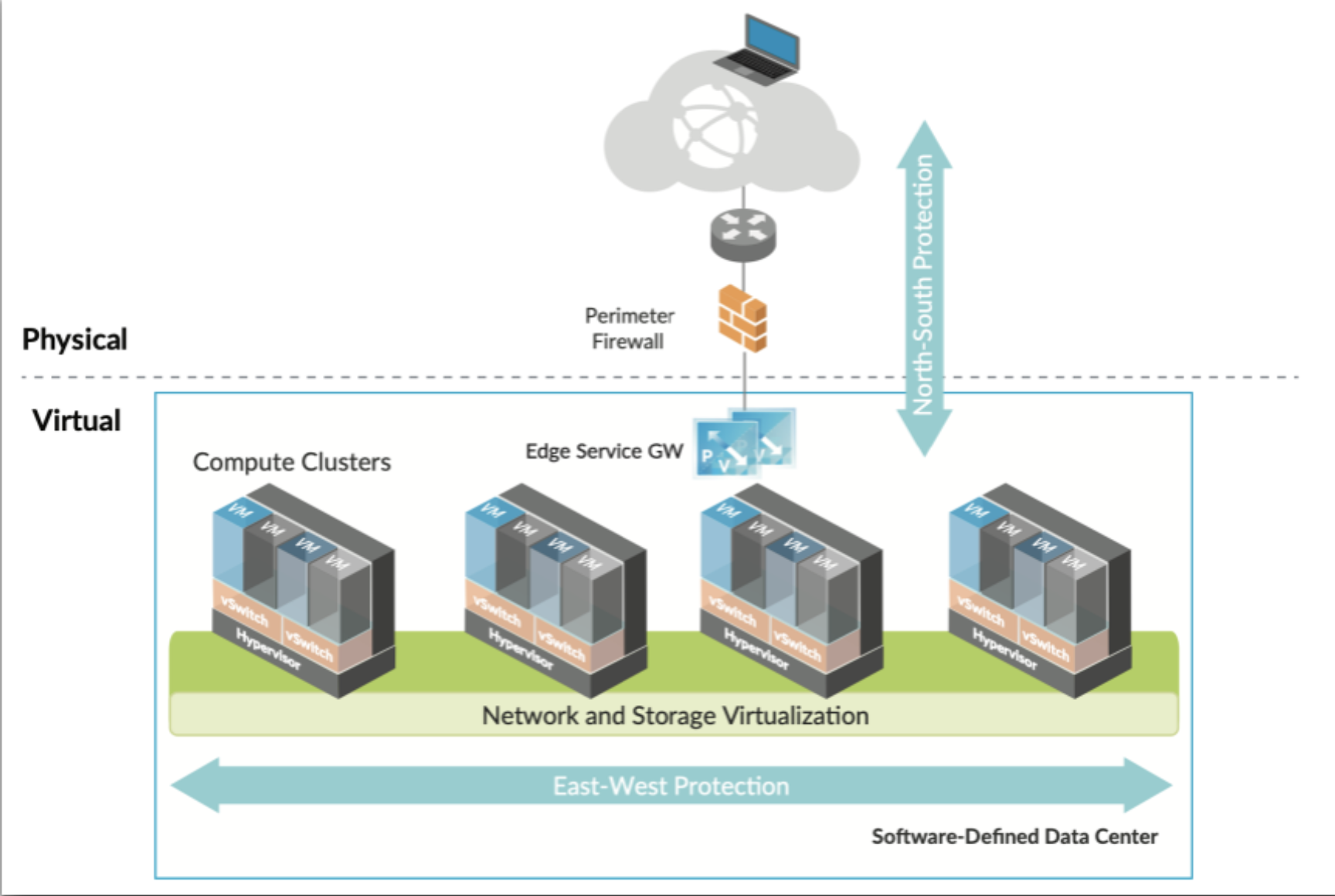
NSX microsegmentation controls east-west traffic between workloads. In a new datacenter, you can start with a “zero trust” policy that denies traffic by default, then add rules for only the services and ports each workload needs.
In an existing environment, applying default-deny everywhere at once could interrupt production traffic. Instead, start by adding tags, security groups, and security policies for one application. Apply a deny rule within that group, then allow the required ports. This limits the change to the VMs in the group rather than everything protected by the Distributed Firewall (DFW).
After all VMs are grouped with the correct rules, you can move the DFW towards a default-deny policy and adjust the group rules. This provides a gradual migration to zero trust.
Terminology & definitions:
•Tags A virtual machine is not directly managed by NSX however, NSX allows the attachment of tags to a virtual machine. This tagging enables tag-based grouping of objects (e.g., you can apply a Tag called “AppServer” to all application servers).
•Security Groups Security Groups enable you to assign security policies, such as distributed firewall rules, to a group of objects, such as virtual machines. In addition to Tags, you can also create groups based on VM attributes such as VM Name, OS, IP, Ports, etc.
•Security Policies Each firewall rule contains policies that act as instructions that determine whether a packet should be allowed or blocked, which protocols it is allowed to use, which ports it is allowed to use, etc. Policies can be either stateful or stateless.