Sometimes you need to copy a script or text file from a management desktop to a VMware management VM. I needed this while configuring the Linux-based Cloud Builder VM before a VCF deployment.
I needed to add a JSON file for the vSAN HCL patch to Cloud Builder. I could have used a tool such as WinSCP, but this VI method also works:
Log in to the target system with SSH/PuTTY.
Use a text editor such as VI.
In my case, I needed a file called
all.json.
- Open the source file on your desktop with a tool such as Notepad++.
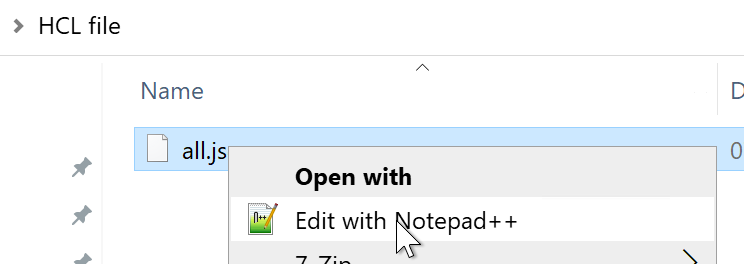
Copy all the text or code from the file.
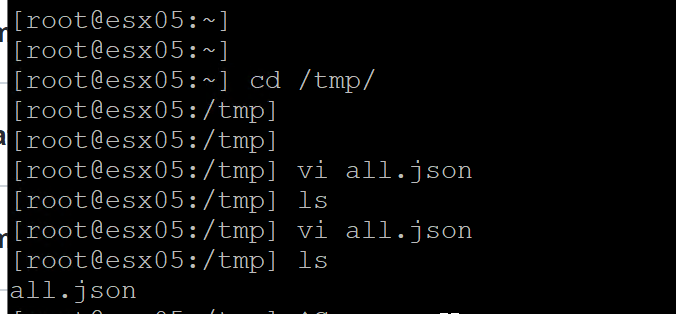
In the SSH/PuTTY session, create a new file with VI:
vi all.json.Press
ito enter insert mode.Paste the content into the new file.
In PuTTY, you can paste with a right-click.
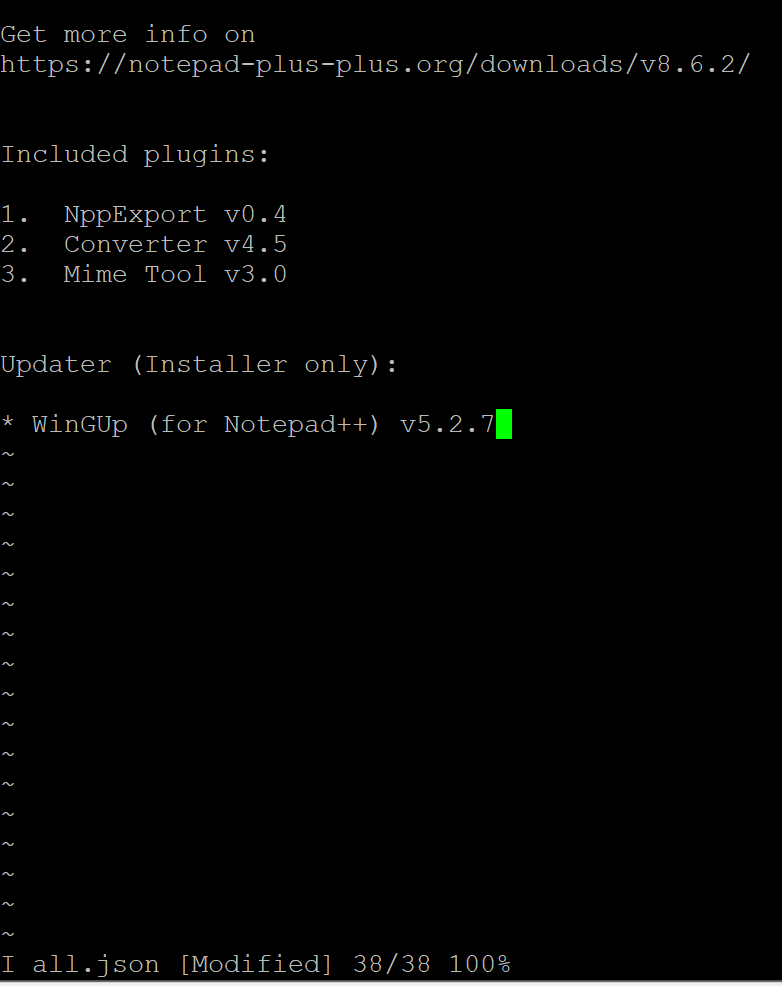
After pasting the text, press Esc, enter :wq, and press Enter. In VI, w means write and q means quit.
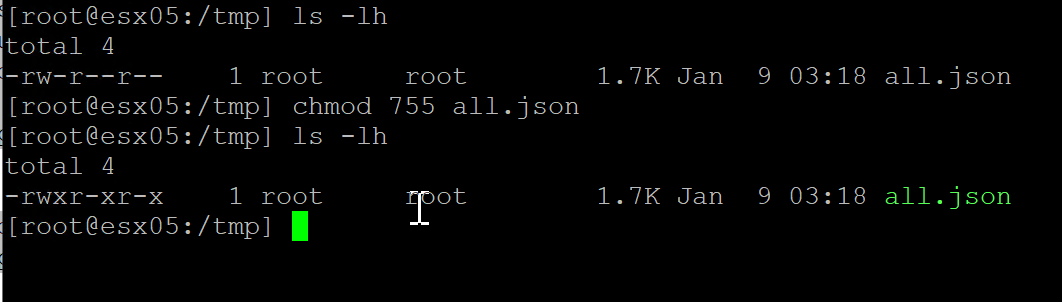
If you need to change the file permissions, use chmod 755 all.json.
I used ls -lh to verify the permissions. After chmod, the file had read, write, and execute permissions.